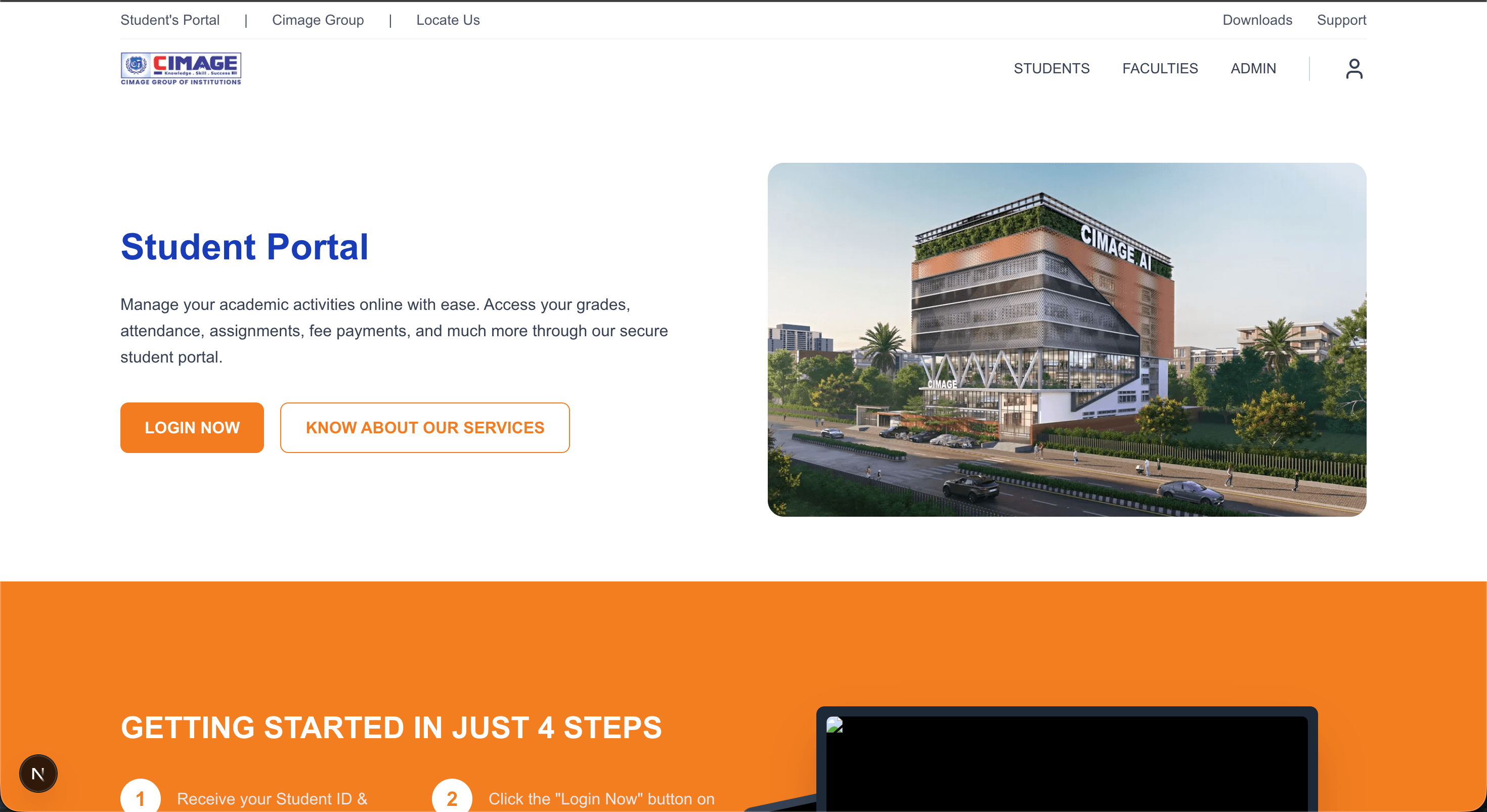
Student Portal
Manage your academic activities online with ease. Access your grades, attendance, assignments, fee payments, and much more through our secure student portal.



GETTING STARTED IN JUST 4 STEPS
Receive your Student ID & Password from administration
Click the "Login Now" button on the portal homepage
Enter your credentials to access your secure dashboard
Access grades, attendance, fees, and more!
Explore Our Other Portals
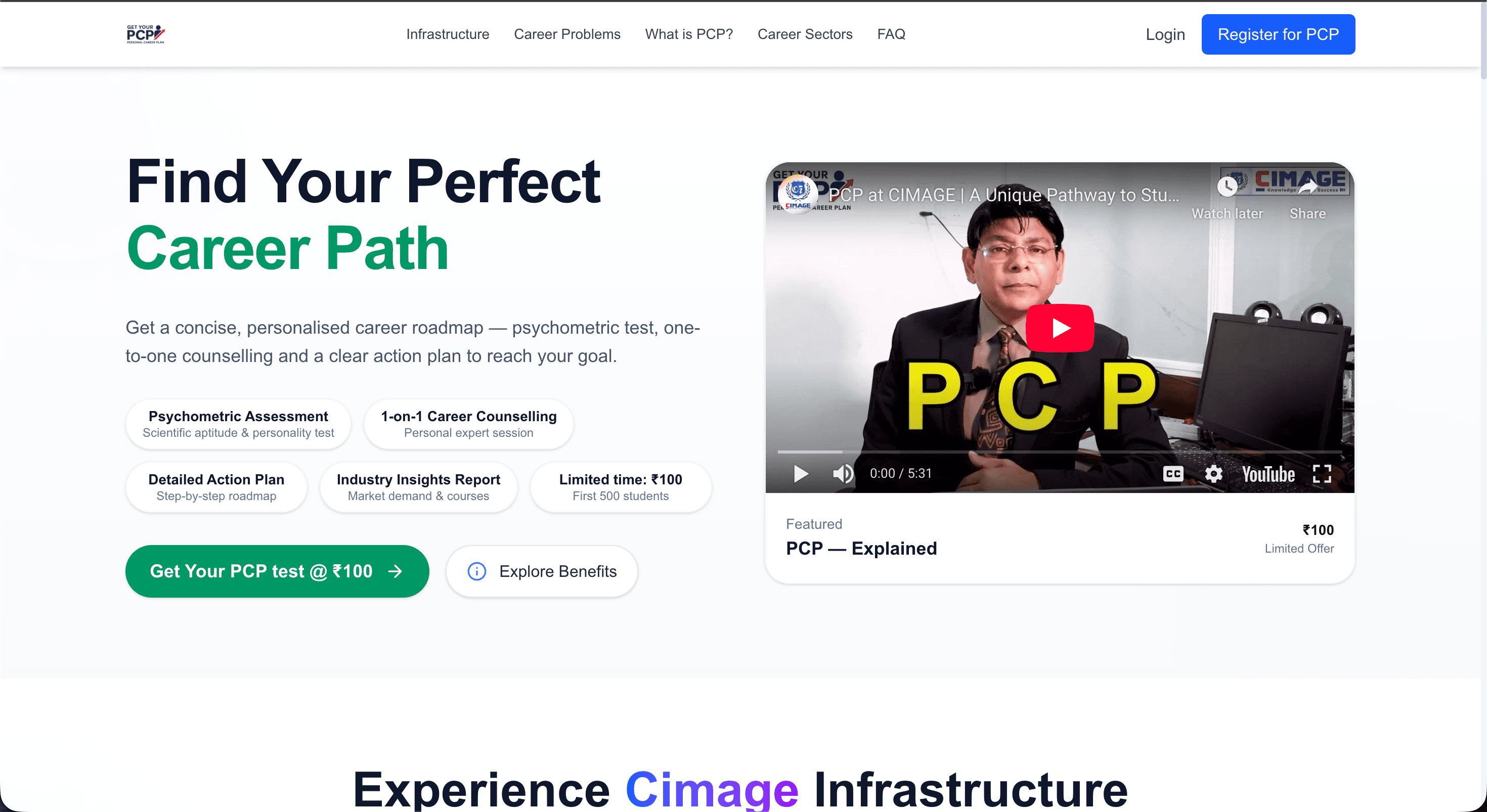
PCP Portal
Access the Personal Career Plan Portal for streamlined career guidance.

Addons Portal
Discover additional training on resources, tools, and technologies.
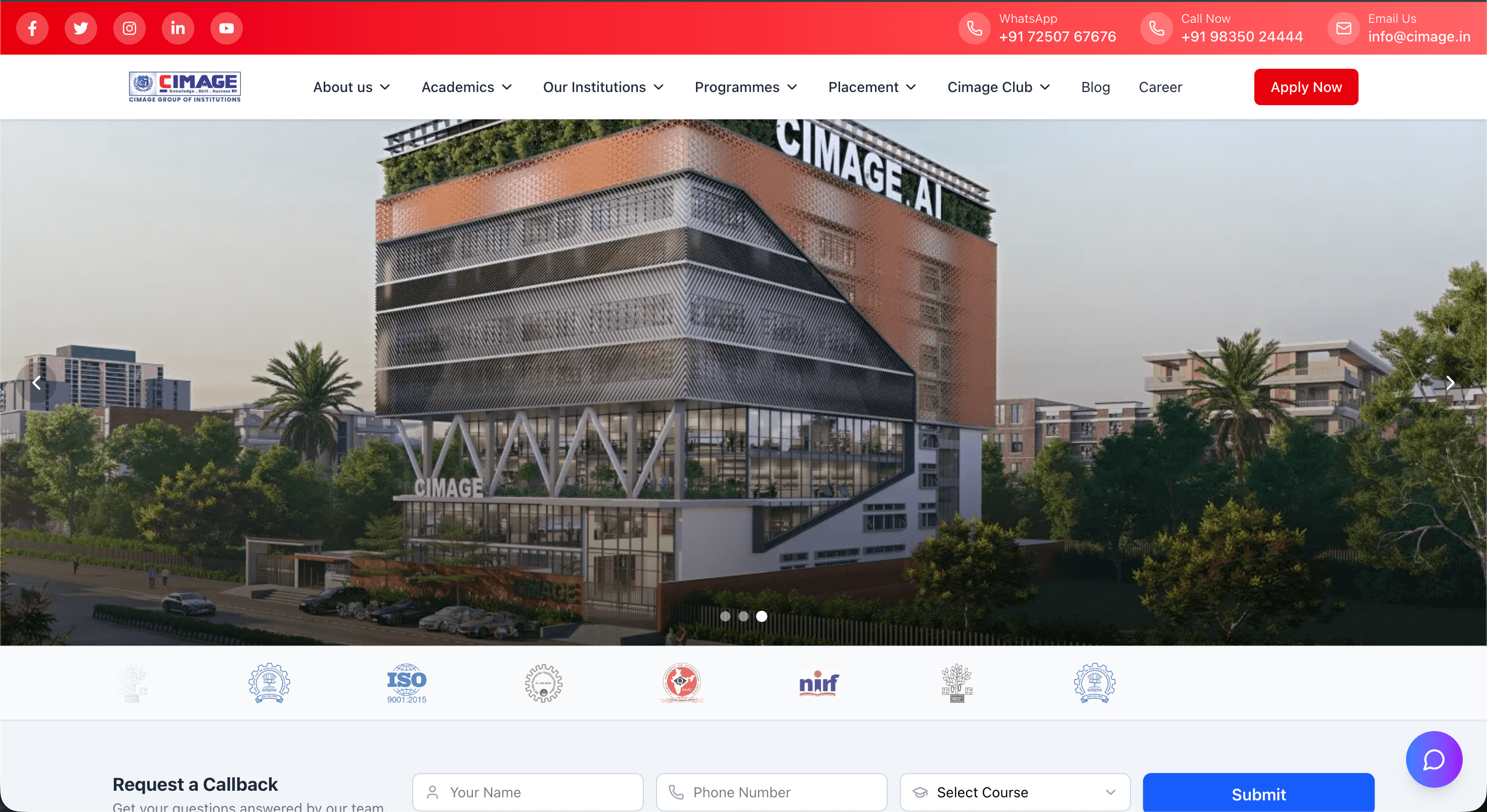
Main Website
Explore our official website for comprehensive information.
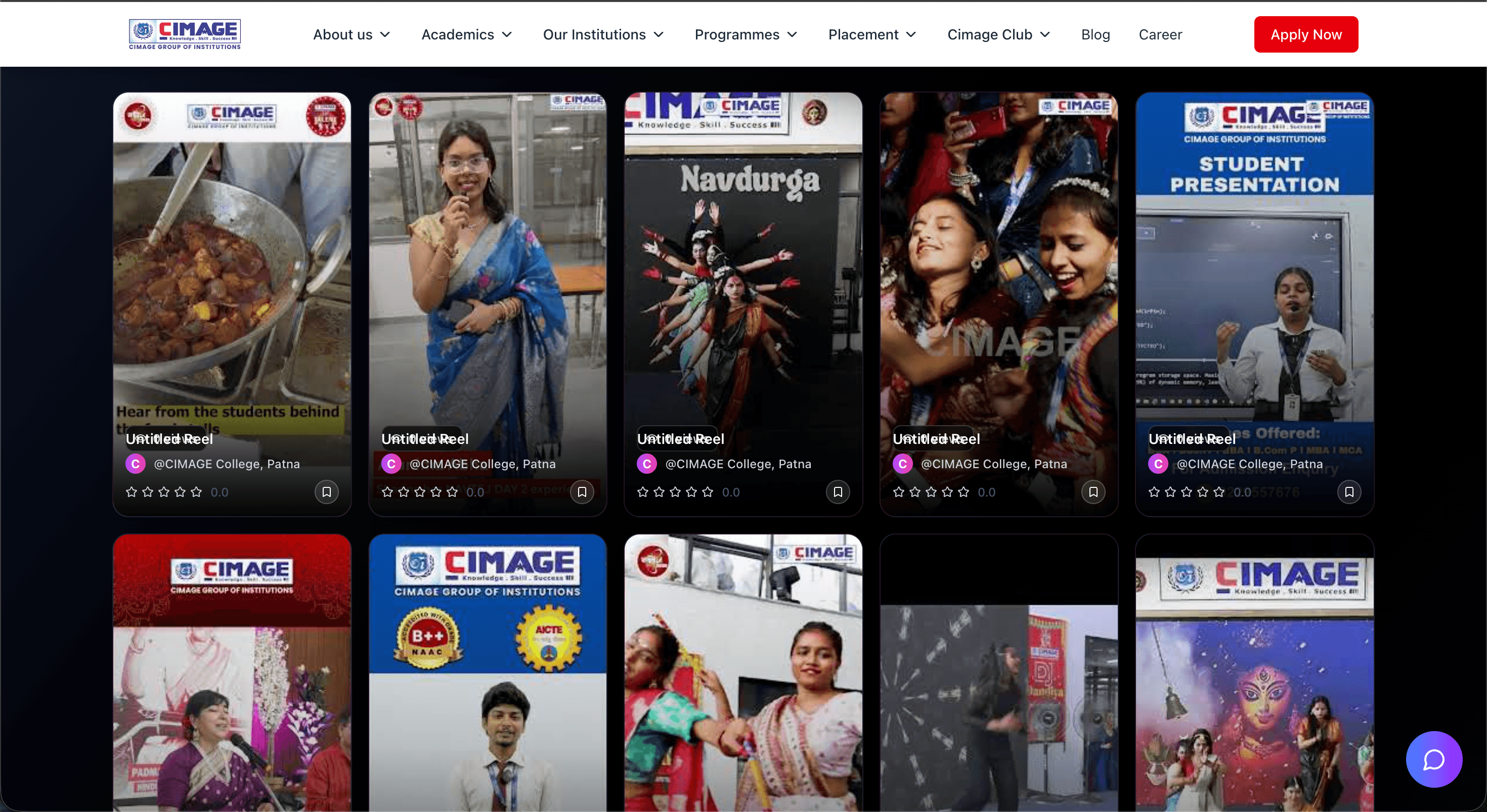
Events & Reels
Catch up on our latest events, highlights, and inspiring reels.
New to the Student Portal? Sign Up Instantly
Use our secure Student Portal to carry out all your academic transactions and manage your college activities with ease from anywhere.
For New Students :
- Step 1:Check your admission confirmation e-mail for your official Student ID.
- Step 2:Visit the portal homepage and click the 'First Time Login' button.
- Step 3:Click the 'Generate Password' button to create your new password.
- Step 4:Log in with your Student ID and new password to access your account.
Watch our quick 3-minute demo to see the portal in action.
Your Security is Our Priority
We are committed to protecting your academic and personal data using industry-leading security standards and best practices.
Our Security Measures
256-bit SSL Encryption
All data is encrypted in transit and at rest using industry standards.
Secure Authentication
Multi-layer authentication protocols are in place to protect your account.
Automatic Session Timeout
For your safety, you are logged out after 15 minutes of inactivity.
Your Safety Tips
- Never share your login credentials with anyone.
- Always log out after completing your session.
- Use strong, unique passwords and change them regularly.
- Avoid using public computers or public Wi-Fi for portal access.
Frequently Asked Questions
You can access the portal by entering your Student ID and password in the login section.
Click on the "Forgot Password" link on the login page and follow the instructions to reset your password.
Yes, the student portal is fully responsive and works on all mobile devices and tablets.
Yes, we use bank-grade 256-bit SSL encryption to protect all your data and transactions.
Login to your portal, go to the "Fee Management" section, and follow the payment instructions.
The exam schedule is available in the "Examinations" section of your portal dashboard.
Still have questions?
Contact Support